
Easy 3D Sketch4.40 - Google Play
You'll be able to see results in few seconds.
Publisher Description
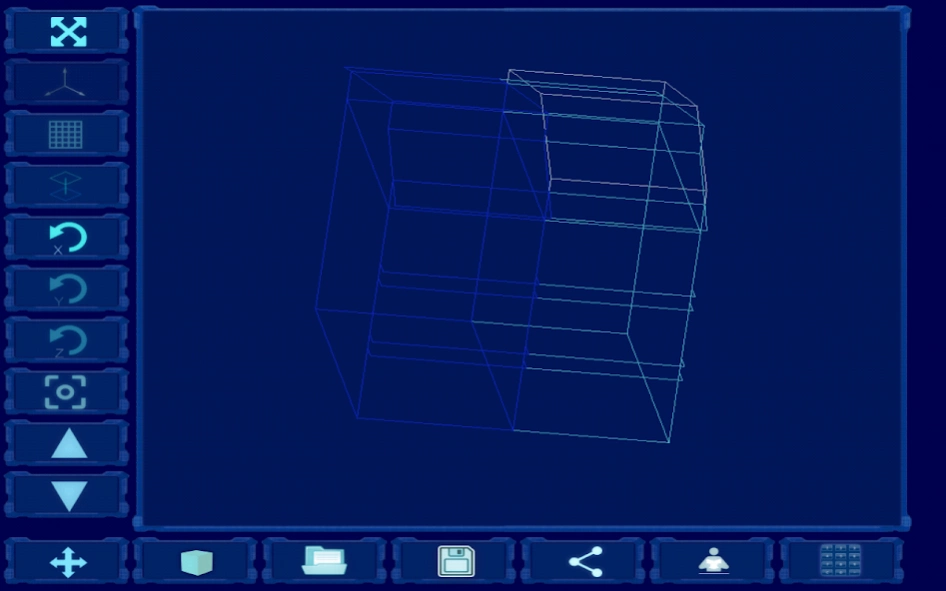
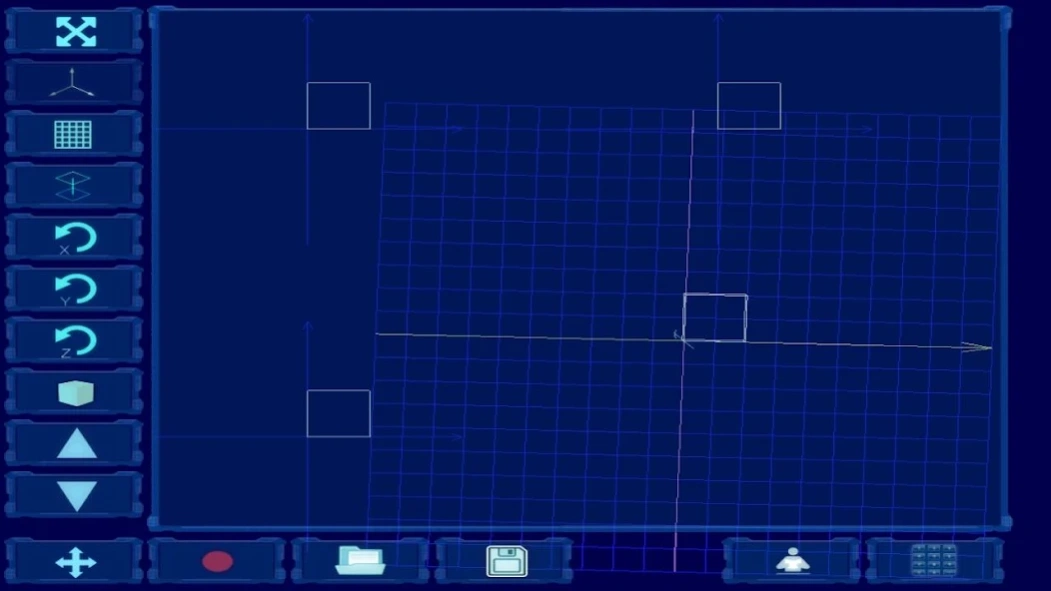
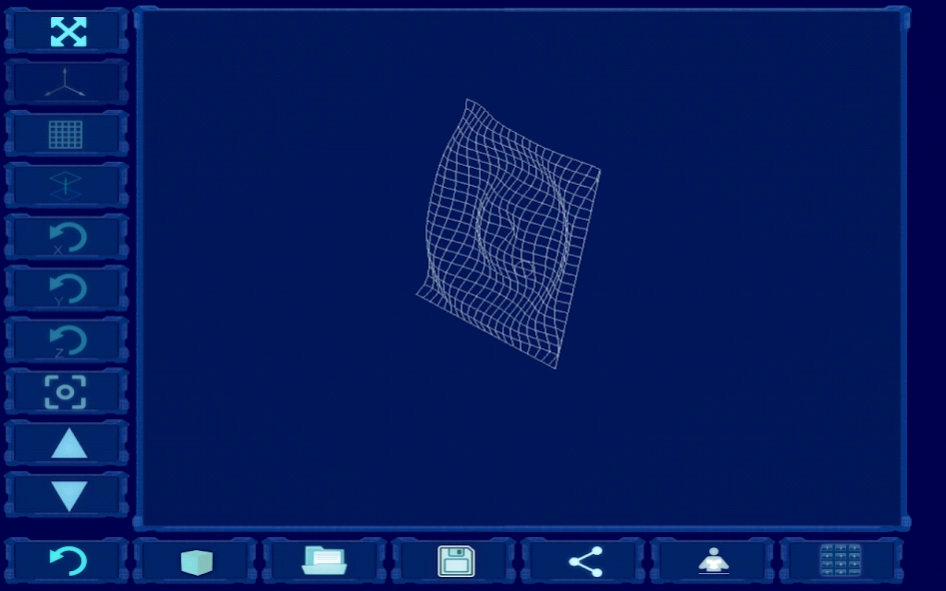
Simple way to draw 3D wireframe model and show it on your device.
Easy 3D Sketch is utility you can use to see how your kitchen table will look like, or visualize any 3D object as a wireframe.
You can then rotate object manually or activate automatic rotation about x, y and/or z-axis.
You can speed up or slow down the rotation.
Switch rotation/movement mode by tapping on the button in the left-down corner.
Depending on the option you can:
- Drag your finger on the screen to move the figure
- Drag your finger on the screen to rotate the figure
- Use accelerometer, tilt your device to speed up the rotation of the figure
- Use the compass sensor to rotate the object
You can switch to fullscreen mode, and hide axes, projections, and grid
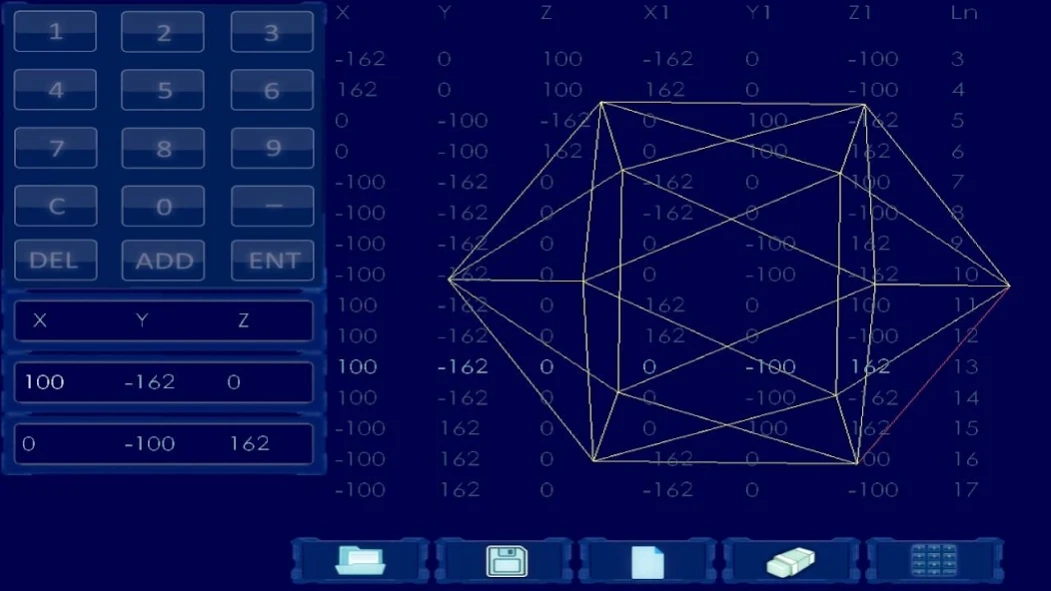
You can enter your object coordinates manually in the application.
Tap on cube icon to see sketch examples.
Save 3d figure to ESFigure.csv file in the download folder of your device.
You can take measures of a new table and put in Excel file, save this file as ESFigure.csv to your device in the download folder, then open it in 'Easy 3d Sketch' to show it to your customer.
Prepare this file in excel or notepad on your computer or tablet. See instructions on the web site http://easy3dsketch.blogspot.com/ or in application help.
Share 3d figure file 'ESFigure.csv' - send it by e-mail, copy to drive, or sent via Bluetooth, etc. (e.g. you could copy the file to Google drive, and then edit it on your computer or send it to your customer by e-mail).
About Easy 3D Sketch
The company that develops Easy 3D Sketch is Srdjan Janjin. The latest version released by its developer is 4.40.
To install Easy 3D Sketch on your Android device, just click the green Continue To App button above to start the installation process. The app is listed on our website since 2019-06-13 and was downloaded 0 times. We have already checked if the download link is safe, however for your own protection we recommend that you scan the downloaded app with your antivirus. Your antivirus may detect the Easy 3D Sketch as malware as malware if the download link to com.easysketch.game.android is broken.
How to install Easy 3D Sketch on your Android device:
- Click on the Continue To App button on our website. This will redirect you to Google Play.
- Once the Easy 3D Sketch is shown in the Google Play listing of your Android device, you can start its download and installation. Tap on the Install button located below the search bar and to the right of the app icon.
- A pop-up window with the permissions required by Easy 3D Sketch will be shown. Click on Accept to continue the process.
- Easy 3D Sketch will be downloaded onto your device, displaying a progress. Once the download completes, the installation will start and you'll get a notification after the installation is finished.
Program Details
System requirements
Download information
Pricing
Version History
version 4.40
posted on 2019-06-13
Share button added. Save ESFigure.csv file to download folder on your device, and read from ESFigure.csv file located on download folder added. Bugs fixed. To enable save and read figure's coordinates you must accept WRITE_EXTERNAL_STORAGE, READ_EXTERNAL_STORAGE permissions.
version 4.13
posted on 2018-01-10
You can send your work to your friends. User Manual added. Edit coordinates manually. Use accelerometer or compass sensor to rotate object. Remove ads by tapping on fullscreen button.
Up to 1000 lines supported.
version 3.9
posted on 2016-12-26
You can send your work to your friends. User Manual added. Edit coordinates manually.Use accelerometer to rotate object.
Disclaimer
Official Google Play Link
We do not host Easy 3D Sketch on our servers. We did not scan it for viruses, adware, spyware or other type of malware. This app is hosted by Google and passed their terms and conditions to be listed there. We recommend caution when installing it.
The Google Play link for Easy 3D Sketch is provided to you by apps112.com without any warranties, representations or guarantees of any kind, so access it at your own risk.
If you have questions regarding this particular app contact the publisher directly. For questions about the functionalities of apps112.com contact us.
